From rapid daily logging and category structure to true net worth and savings goals.
Tap a category, punch in the amount, and you're done. Log expenses in two seconds with an integrated numpad calculator, instant category grid, and notes in an intuitive bottom sheet.
Organize finances your way, not according to a rigid template. Structure your income streams and daily spending to naturally reflect your lifestyle and priorities.
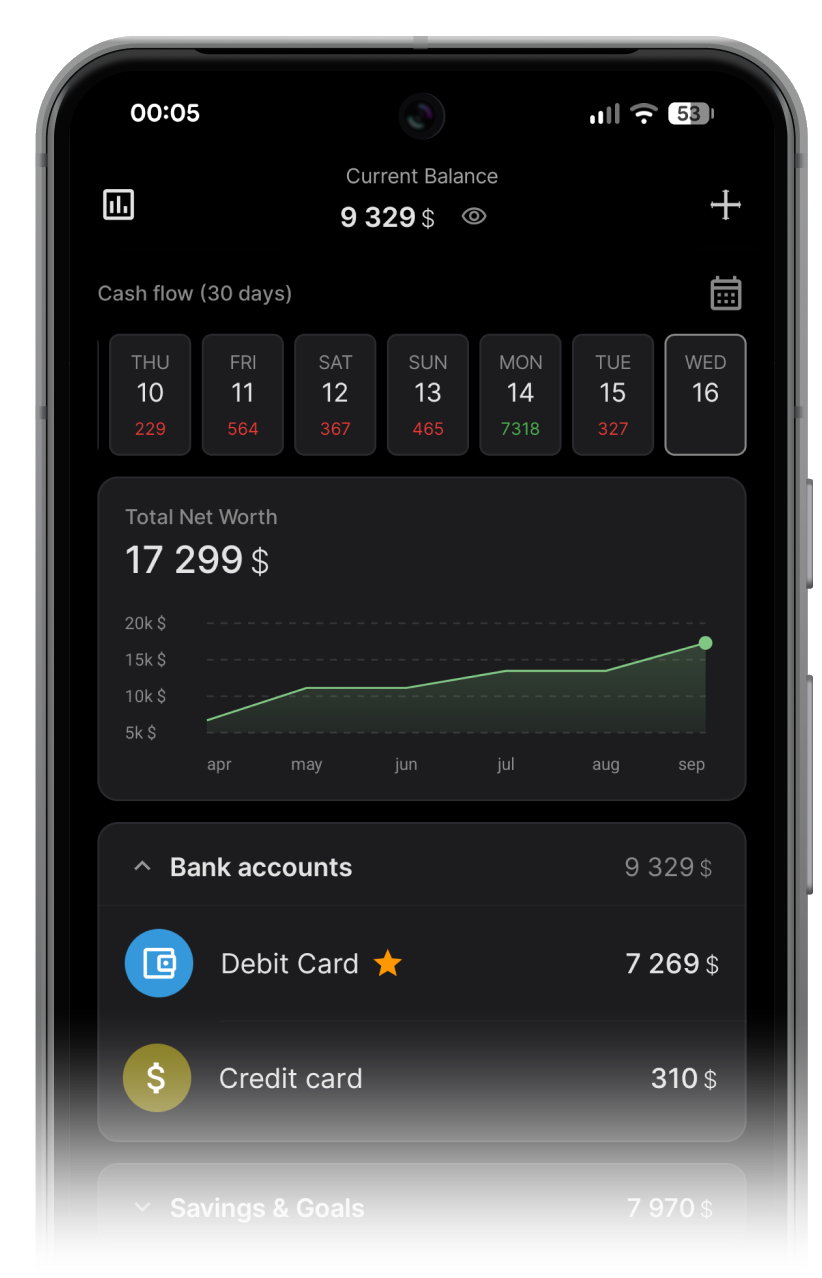
Get a real, honest look at your financial standing. Track bank cards, cash, and personal loans to calculate your genuine net worth without illusions.
Build a resilient financial cushion or fund your biggest life dreams with dedicated reserve goals. Keep your future wealth strictly shielded from day-to-day impulse spending.
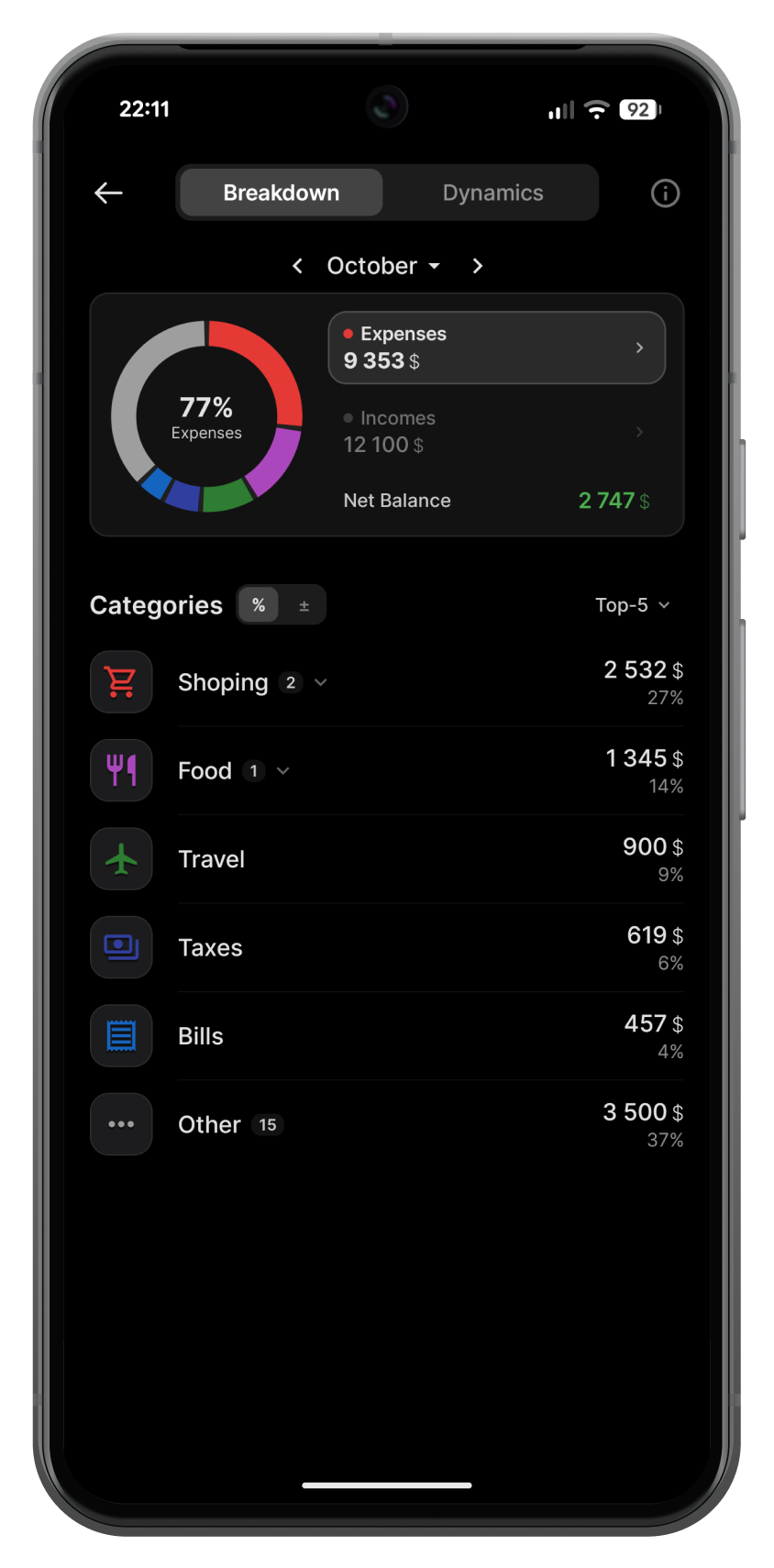
Monetix turns your transaction history into category charts and spending trends, updated in real time.
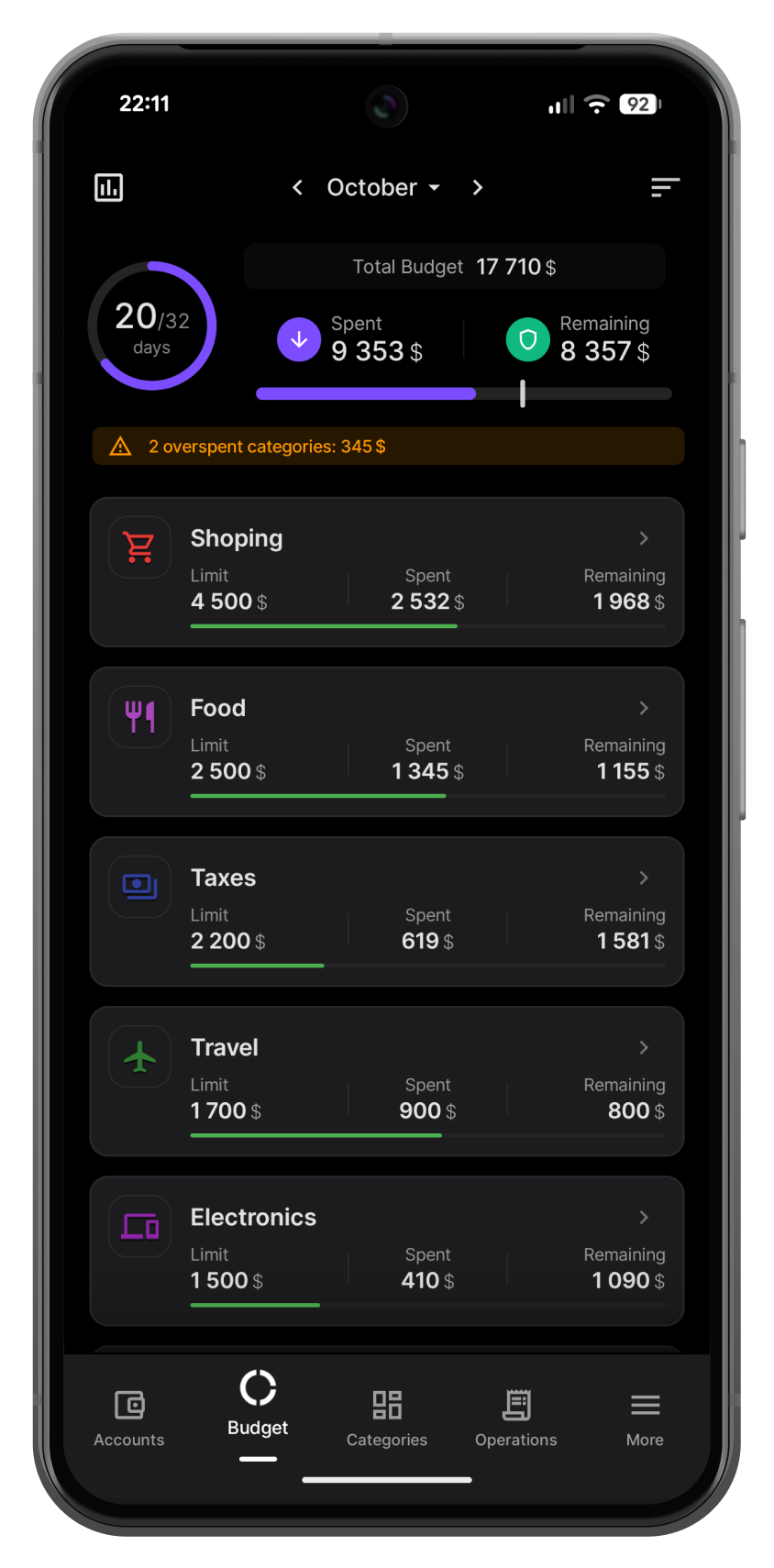
Set realistic spending boundaries for the month or week and eliminate financial anxiety. Monetix gives you total clarity over your progress so you always know where you stand before making a purchase.
Set different currencies for each account with automatic exchange rates, while your total balance is always converted to your base currency.
Log transactions directly from your Android home screen in a single tap — no need to even open the app.
PIN code protection with auto-lock, screenshot protection and privacy mode that hides your balance from prying eyes.
Export PDF reports or download your transaction data in CSV for spreadsheets like Excel. Choose between full-color and monochrome styles.
Track subscriptions and scheduled payments. Get reminders before each charge and never miss a payment again.
Automatic daily backups protect your data locally on-device. Export backup files anytime to transfer your history to a new phone with full restore or merge options.
PRO removes all limits: unlimited accounts, categories, and goals, subcategories, PIN lock, automatic daily backups, backup data merging, and color/monochrome PDF and CSV reports.
Yes. Create a backup file on your old device (Data Management → Create Backup), transfer it to the new device and restore it. You can choose to replace existing data or merge both.
All data will be permanently deleted along with the app. We strongly recommend creating a backup before uninstalling — you can do this in Data Management → Create Backup.
Yes! Go to Control Center → Security to set a 4-digit PIN. You can also configure auto-lock timing to protect your data when you step away.
Set your base currency in Settings. Each account can have its own currency — conversion to the base currency happens automatically using up-to-date exchange rates.
Enable daily check-in reminders in Control Center → Reminders to get a notification at your preferred time. For scheduled payments and subscriptions, you can choose between automatic execution or a reminder notification with confirmation.
Archiving hides a category from lists but preserves all its transaction history. Deleting removes the category and all linked transactions permanently. We strongly recommend archiving over deleting!
Free to download. No account required. Your data stays on your device.